Ciemetric vs. The Competition: The Ultimate Kitchen Design Software Comparison
Side-by-Side Software Comparison
Ciemetric vs. 2020 Design: The Modern, Cloud-Based Alternative for Rapid Sales
Ciemetric
🌐 100% Web-based (Browser)
🚀 Design & Close the same day
💻 Any Laptop / Tablet
⏱️ Instant start
2020 Design
🖥️ Heavy Software (Windows only)
⏳ Long, complex workflow
🏗️ High-end Gaming PC required
📚 Weeks of training required
Best for: Designers who want to close deals on the first visit.
The Problem with 2020 Design: It’s a powerful but "heavy" legacy software. It requires high-end Windows hardware, expensive licenses, and weeks of training.
The Ciemetric Advantage: Ciemetric is 100% web-based. You can run it on a Mac, PC, or iPad. While 2020 is built for back-end manufacturing, Ciemetric is built for the "Same-Day Design & Sign" workflow.
Ciemetric vs. SketchUp: Why Specialized Cabinet Software Beats General 3D Tools
Ciemetric
🧠 Auto-parametric cabinetry
💰 Quotes Generated in 1 click
🟢 Easy to learn for kitchen pros
Sketchup
✏️ Manual line-by-line drawing
📝 Manual quotes & complex
🟡 General design learning curve
Best for: Cabinet makers who need automation, not just a drawing.
The Problem with SketchUp: It’s a drawing tool. To get pricing, or kitchen-specific features, you have to buy and manage dozens of unstable plugins.
The Ciemetric Advantage: Ciemetric is "kitchen-intelligent." It features parametric cabinets that resize automatically. It generates quotes in one click (Ciemetric Instant Quoting).
Ciemetric vs. ProKitchen: Browser-Native Speed vs. Legacy Software Constraints
Ciemetric
☁️ Cloud-Native (Modern)
✅ Perfect Native Performance (Mac)
💎 Free Tier & Subscription
🔄 Automatic & Seamless Updates
ProKitchen
☕ Java-based (Heavy/Glitchy)
⚠️ Unstable / Requires emulation (MAC)
💵 Costly annual subscription
📥 Manual downloads required (Updates)
Best for: Tech-forward showrooms looking for reliability and Mac compatibility.
The Problem with ProKitchen: Built on Java, ProKitchen often suffers from performance lag, crashes, and a dated user interface. It’s hard to use on modern devices without technical hiccups.
The Ciemetric Advantage: Ciemetric uses Native WebGL technology. It’s fast, stable, and offers a sleek, modern UI that impresses clients. It’s a "zero-friction" solution—log in and start designing instantly.
Ciemetric vs. KitchenDraw: Why Cloud-Native Design is the Future
Ciemetric
💎 Subscription or Free Tier
☁️ 100% Cloud-Native (Browser)
🍏 Mac and PC compatible
🔄 Automatic update in real-time
KitchenDraw
⏳ Pay-per-hour
💾 Desktop Software
🖥️ Windows Only
📥 Manual Downloads Required (Updates)
Designers tired of watching the clock while they work.
The Problem with Kitchen Draw: uses a "pay-per-hour" model. This creates unnecessary pressure during the creative process and becomes expensive as your business grows. Plus, it’s a Windows-only desktop application that hasn’t seen a major UI overhaul in years.
The Ciemetric Advantage: Ciemetric offers a modern subscription or free-tier model. There are no hours to buy and no software to install. You get a sleek, professional interface that works seamlessly on Mac and PC.
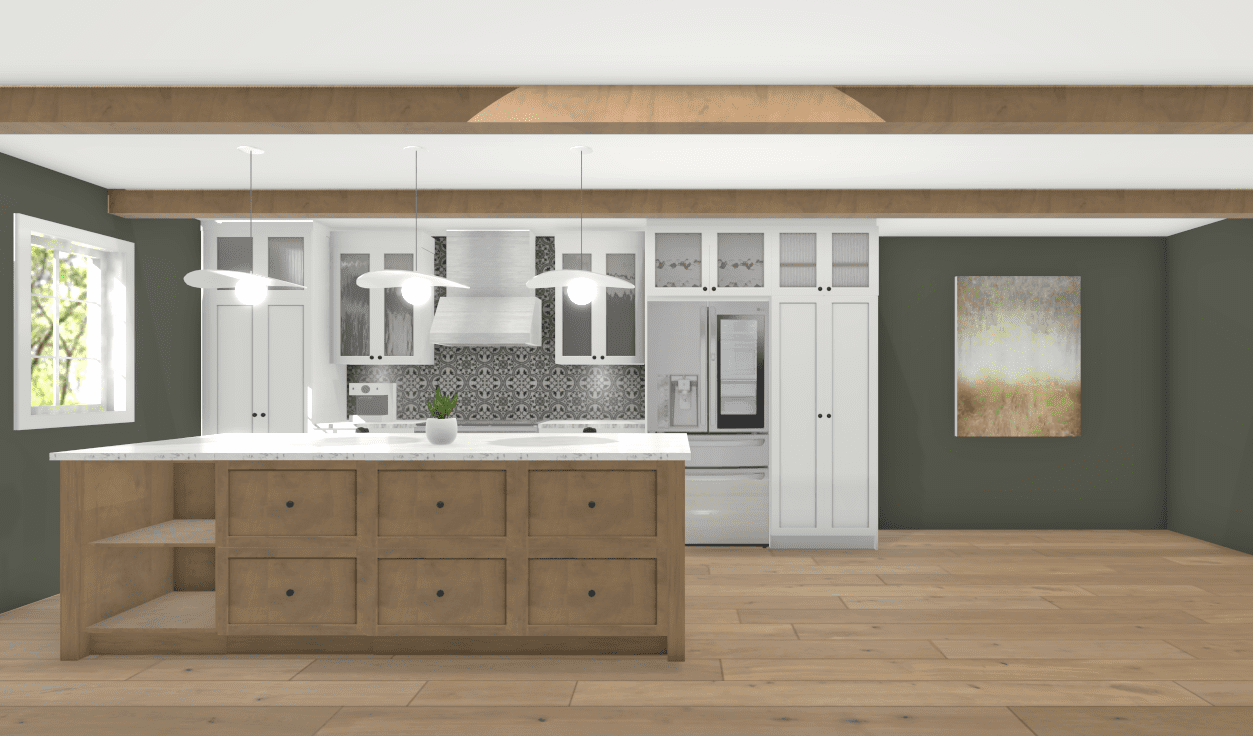
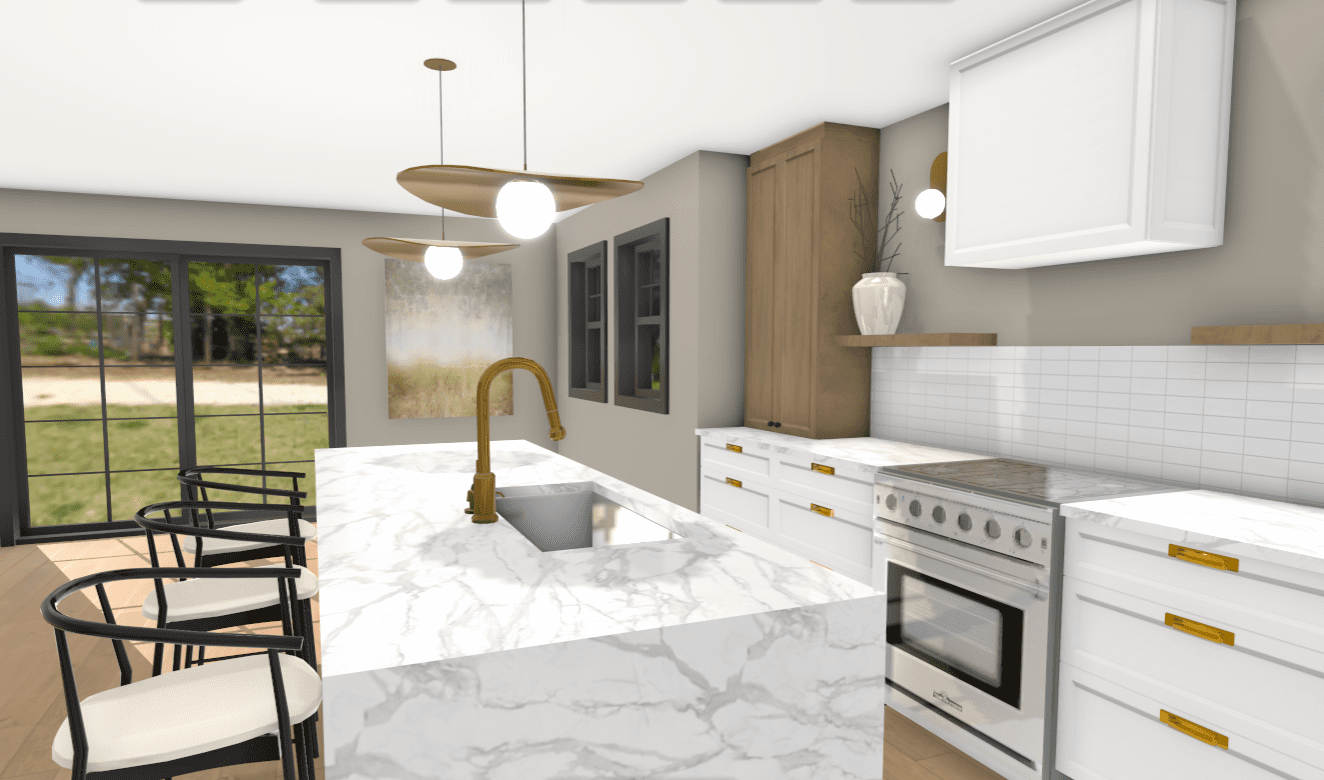
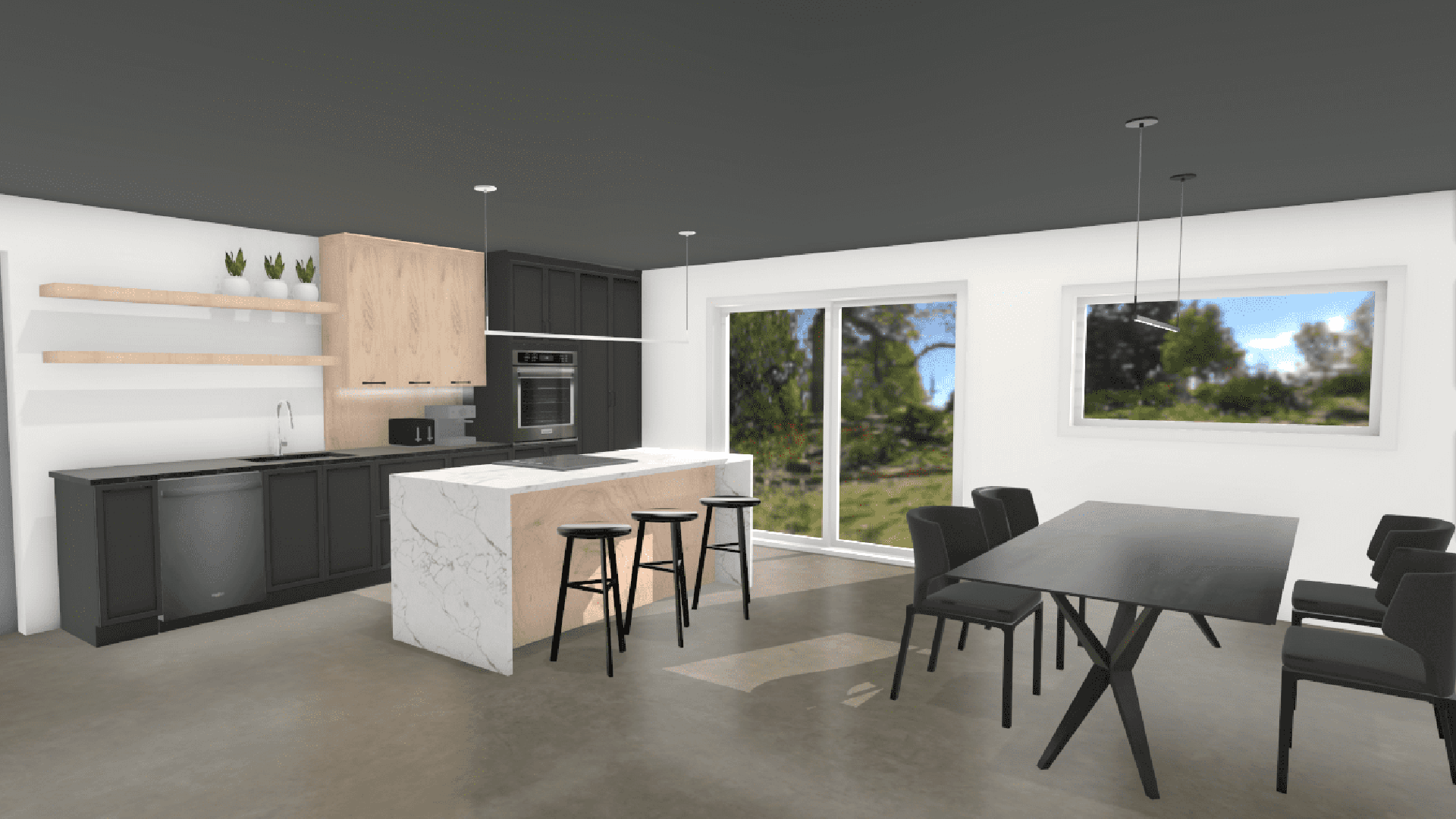
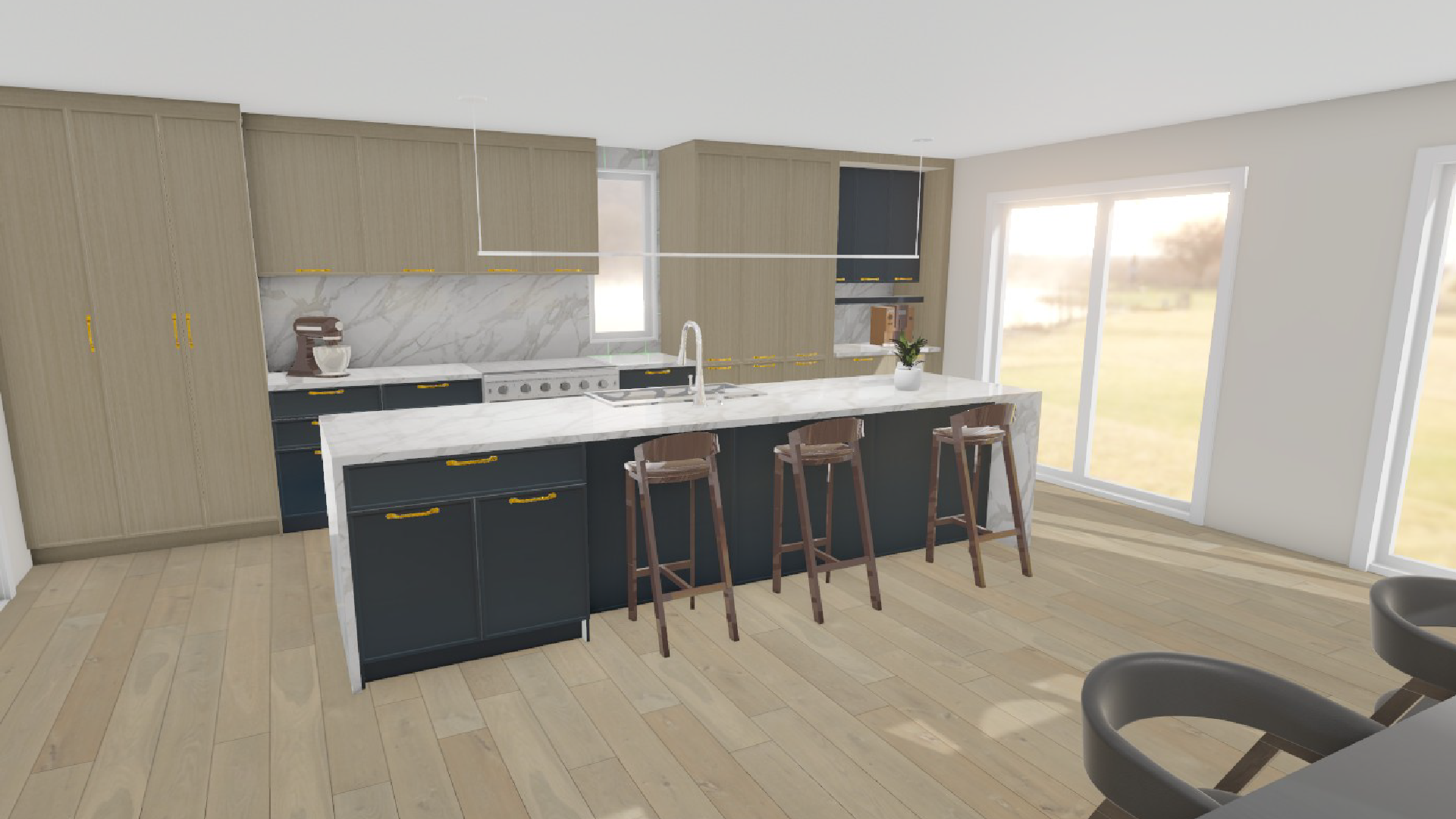
See What’s Possible When You Design in 3D
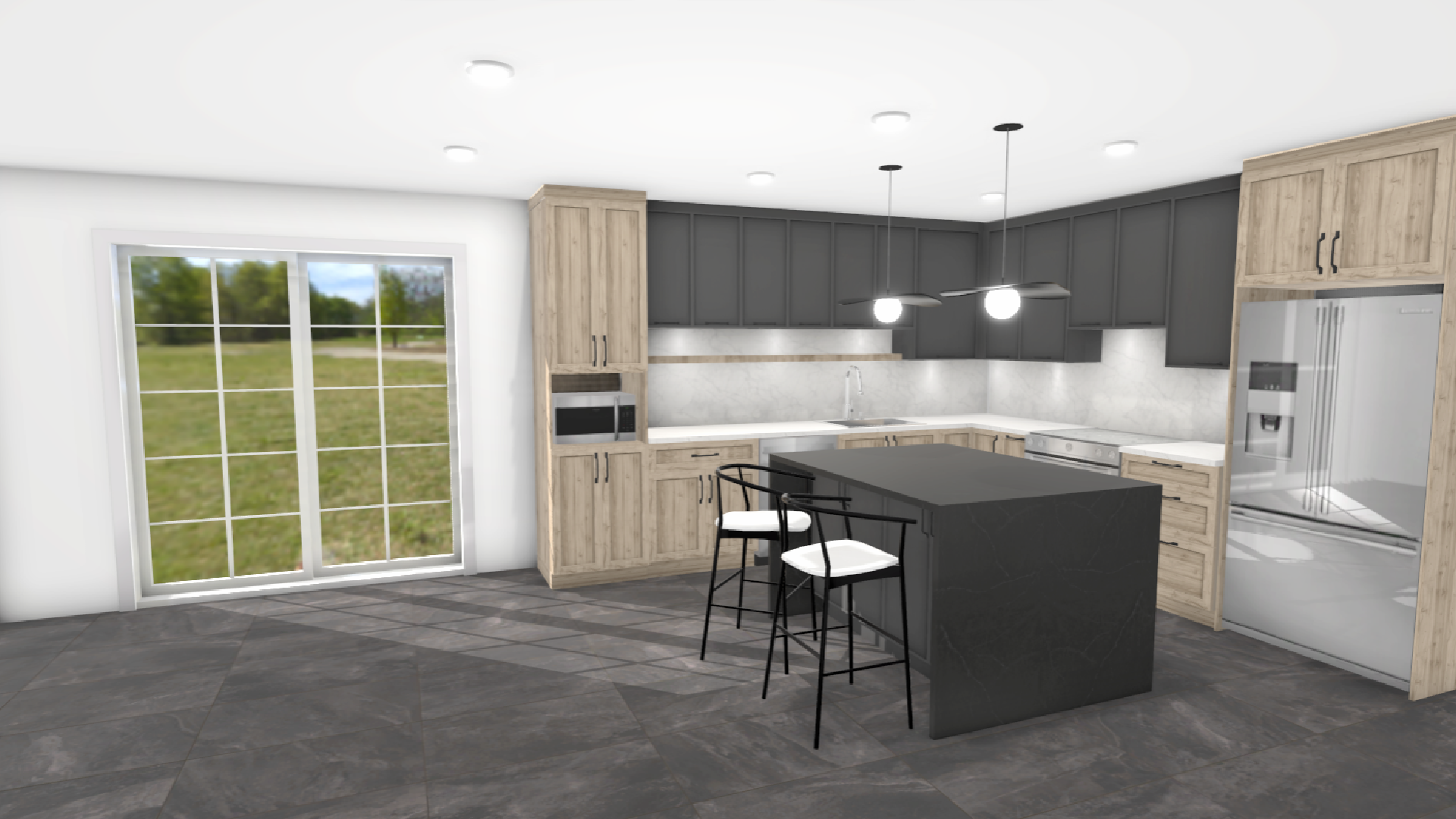
All designed in Ciemetric.